Preset and snapshot recall
Assign a preset and snapshot to a pad and recall both with one tap.
Android · USB MIDI
Turn your Android phone into a customizable pedalboard over a simple USB connection. Tap to recall a preset, pick a snapshot, or open the tuner.
Get the Android app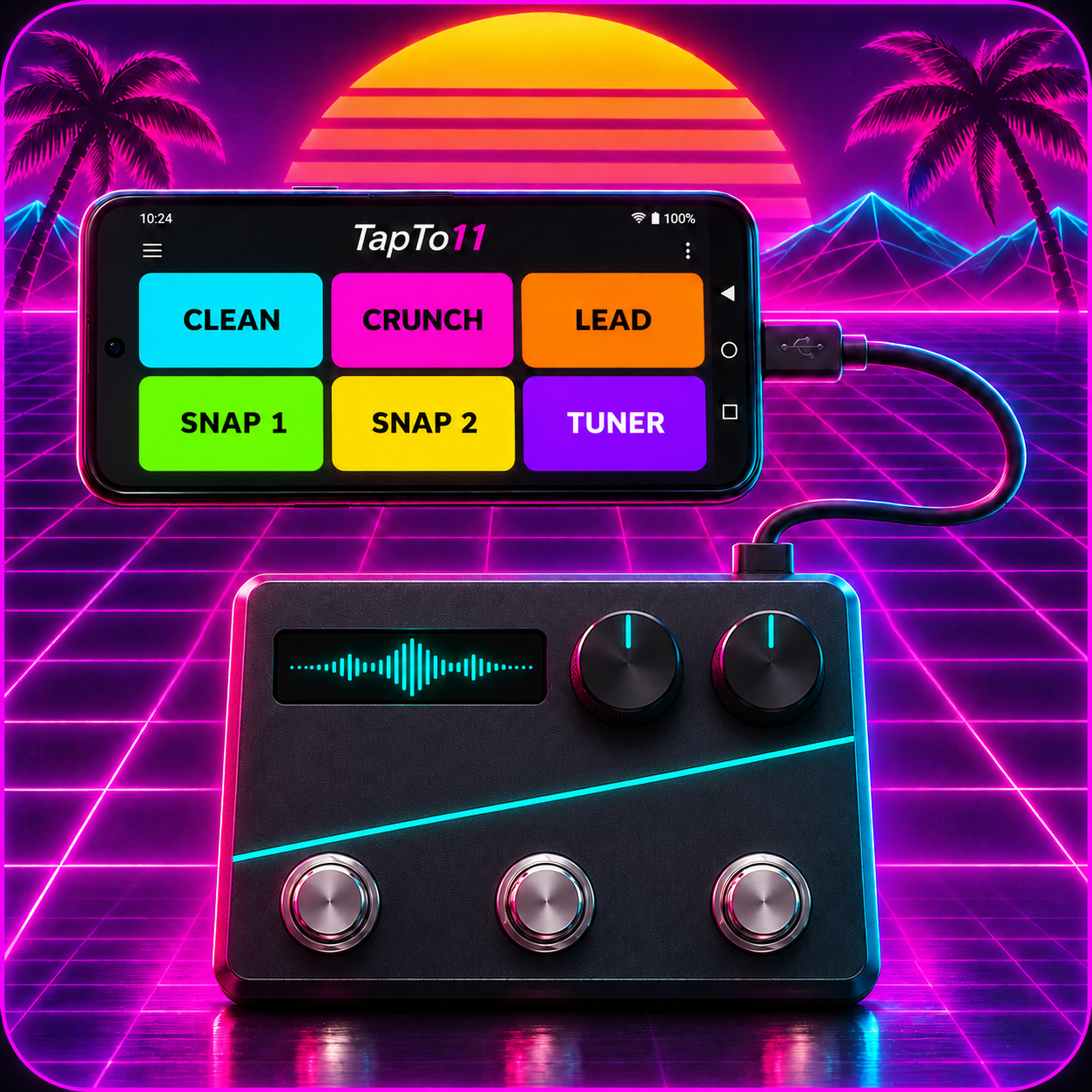
Assign a preset and snapshot to a pad and recall both with one tap.
Set pad names and colors, give the tuner its own pad, and save mappings for different sets.
Plug your phone into your powered HX Stomp with a USB data cable. Tap Connect to start.
Coming soon.
An Android phone that supports USB MIDI, a powered Line 6 HX Stomp, and a USB cable that carries data. TapTo11 has been tested on Pixel 10.
Open Global Settings → MIDI/Tempo. Set the base channel to 1, enable USB MIDI, and include USB in MIDI PC Rx and Tx. Enable Snapshot CC Send if your firmware offers it.
Hold a pad for three seconds to change its action, name, or color. Open Settings → Button mappings to save, load, import, or export your layout.